Best Hearing Aid Apps for iPhone 2025: Complete Setup Guide
Finding the right hearing aid app for iPhone can significantly improve your hearing experience and daily communication. With over 48 million Americans experiencing hearing loss, iPhone’s native accessibility features combined with specialized hearing aid apps offer powerful solutions for better audio control, personalized sound settings, and seamless connectivity with modern hearing devices.
How to Access Your Hearing Aid on iPhone
Accessing your hearing aid on iPhone starts with enabling the built-in accessibility features in iOS Settings. Navigate to Settings > Accessibility > Hearing Devices to discover Made for iPhone (MFi) hearing aids that connect directly to your device. Apple’s Live Listen feature transforms your iPhone into a remote microphone, amplifying sounds from across the room directly to your hearing aids or AirPods Pro.
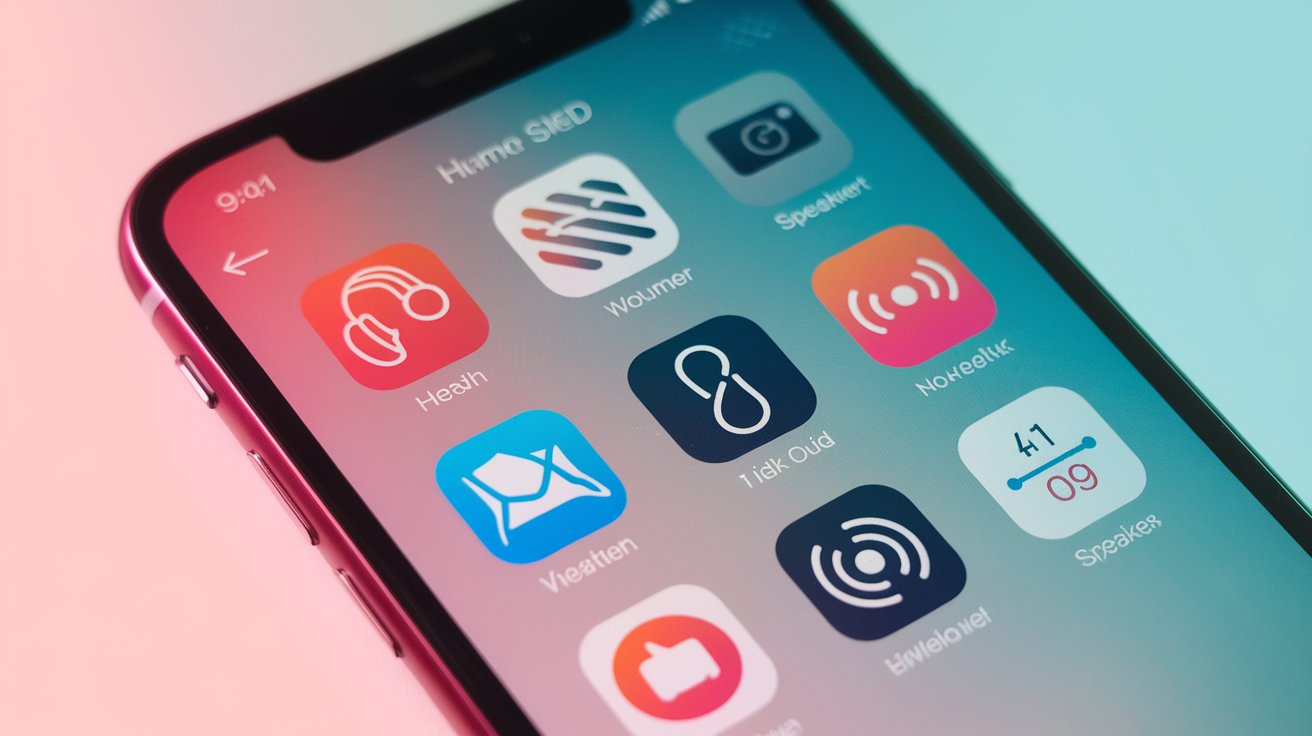
The process involves pairing your hearing aid app iPhone compatible devices through Bluetooth settings. Once connected, you can adjust volume levels, change programs, and monitor battery life directly from your iPhone’s Control Center. This integration allows seamless switching between phone calls, music, and environmental sounds without manually adjusting your hearing aids.
Setting Up iPhone Hearing Aid Controls
To set up hearing aid controls on iPhone, open Settings and select Control Center, then add Hearing Controls to your quick access panel. This feature allows instant volume adjustments and program switching without opening dedicated apps. You can also customize triple-click shortcuts on the side button to quickly access hearing aid settings during important conversations or meetings.
Bluetooth Pairing Process
The iPhone hearing aid app Bluetooth pairing process requires putting your hearing aids in pairing mode, then selecting them from Settings > Bluetooth. Most modern hearing aids appear as MFi devices, ensuring optimal audio quality and battery efficiency. Once paired, your iPhone automatically connects to your hearing aids when they’re turned on, creating a seamless user experience.
Best Free Hearing Aid Apps for iPhone 2025
The best free hearing aid app for iPhone options in 2025 include Apple’s built-in Headphone Accommodations, Sound Recognition, and Live Listen features. These native iOS tools provide professional-grade hearing assistance without requiring third-party downloads. Headphone Accommodations can amplify soft sounds, adjust frequencies, and enhance speech clarity for users with mild to moderate hearing loss.
Third-party hearing aid apps free options include Petralex, which offers audiogram-based personalization, and Sound Amplifier apps that boost environmental sounds. These apps work with regular headphones or earbuds, making them accessible to users who don’t own traditional hearing aids. Many provide customizable frequency adjustments, noise reduction, and speech enhancement features typically found in professional hearing devices.
Apple’s Native Hearing Features
Apple’s Apple hearing aid app ecosystem includes Headphone Accommodations, which analyzes your hearing profile through audio tests and automatically adjusts sound output. The Conversation Boost feature enhances speech frequencies while reducing background noise, making it easier to follow conversations in noisy environments like restaurants or crowded spaces.
Top Third-Party Free Apps
Popular hearing apps for iPhone include Petralex Hearing Aid, which offers personalized sound amplification based on your hearing test results, and Ear Agent, which provides real-time sound enhancement. These apps typically include features like frequency adjustment, noise reduction, and the ability to save custom sound profiles for different environments.
Connecting Hearing Aids to iPhone Apps
Modern apps to connect to hearing aid devices vary by manufacturer, with most major brands offering dedicated iPhone apps. Phonak’s myPhonak, ReSound Smart 3D, and Oticon ON provide comprehensive control over hearing aid settings, including volume adjustment, program switching, and battery monitoring. These manufacturer-specific apps often include advanced features like tinnitus relief sounds and remote fine-tuning capabilities.
The connection process typically involves downloading your hearing aid manufacturer’s official app, ensuring your hearing aids are MFi-certified, and following the in-app pairing instructions. Most apps require initial setup with an audiologist or hearing care professional to optimize settings for your specific hearing loss profile and lifestyle needs.
Controlling Hearing Aid Volume Through iPhone Apps
Volume control represents one of the most frequently used features in hearing aid volume control apps. iPhone’s native hearing aid controls allow users to adjust volume independently for each ear, switch between different listening programs, and modify bass and treble settings. The Control Center integration provides quick access to these controls without unlocking your phone or opening specific apps.
Advanced hearing aid app iPhone solutions offer environmental detection that automatically adjusts volume based on your surroundings. These apps can recognize situations like quiet conversations, noisy restaurants, or outdoor activities, then apply appropriate volume and frequency settings to optimize your hearing experience in each environment.
Automatic Volume Adjustment Features
Many best hearing aid app for iPhone options include artificial intelligence that learns your volume preferences throughout the day. These systems track when you manually adjust settings and gradually automate these changes, reducing the need for constant manual adjustments while maintaining optimal hearing comfort.
Manual Volume Control Options
Manual volume controls in hearing aid apps for smartphones typically include slider controls, preset buttons, and gesture-based adjustments. Users can create custom volume profiles for specific locations like home, work, or social settings, then quickly switch between these profiles as needed throughout their daily activities.
Advanced Features in iPhone Hearing Aid Apps
Premium hearing aid apps for smartphones offer sophisticated features beyond basic volume control. These include directional microphone adjustment, which helps users focus on sounds from specific directions, and speech enhancement algorithms that make conversations clearer in challenging listening environments. Many apps also provide hearing health tracking, monitoring daily usage patterns and exposure to loud sounds.
Telehealth integration has become increasingly important, allowing users to receive remote adjustments from their audiologists without office visits. This feature proved particularly valuable during 2024-2025, as many hearing care professionals expanded their telehealth services to provide continuous support and fine-tuning for hearing aid users across the United States.
Compatibility and Requirements for iPhone Hearing Aid Apps
Most hearing aid app iPhone solutions require iOS 14.0 or later, with optimal performance on iPhone 12 and newer models. Made for iPhone hearing aids offer the best integration, as they’re specifically designed to work seamlessly with Apple’s hearing accessibility features. However, many apps also work with standard Bluetooth hearing aids and even regular headphones or earbuds.
Battery consumption varies significantly between different hearing aid apps, with native iOS features typically offering better energy efficiency than third-party alternatives. Users should consider their iPhone model’s battery capacity when selecting hearing aid apps, especially if they plan to use features like Live Listen for extended periods throughout the day.
Related video about hearing aid app iphone
This video complements the article information with a practical visual demonstration.
What you should know
How do I access my hearing aid on my iPhone?
To access your hearing aid on iPhone, go to Settings > Accessibility > Hearing Devices. Ensure your hearing aids are Made for iPhone compatible, then pair them through Bluetooth settings. You can also add Hearing Controls to your Control Center for quick access to volume and program adjustments without opening apps.
What apps do I need to connect to my hearing aid?
You’ll need your hearing aid manufacturer’s official app (like ReSound Smart 3D, Phonak myPhonak, or Oticon ON) plus iPhone’s built-in accessibility features. Apple’s native hearing features work with MFi hearing aids without additional downloads, while third-party apps may be required for advanced customization and remote adjustments.
Is there an app to control hearing aid volume?
Yes, iPhone’s Control Center includes hearing aid volume controls for MFi devices, and manufacturer-specific apps provide detailed volume adjustment options. You can control volume independently for each ear, create custom volume profiles for different environments, and set automatic volume adjustments based on your surroundings and preferences.
Are there free hearing aid apps for iPhone that work well?
Apple’s built-in Headphone Accommodations, Live Listen, and Sound Recognition features provide excellent free hearing aid functionality. Third-party free options include Petralex and various sound amplifier apps that work with regular headphones, offering personalized hearing enhancement based on your specific hearing profile and needs.
Can I use hearing aid apps with regular earbuds or headphones?
Yes, many hearing aid apps work with standard headphones and earbuds, not just traditional hearing aids. Apple’s Headphone Accommodations feature and third-party apps like Petralex can enhance sound quality and provide hearing assistance through regular audio devices, making them accessible to users without prescription hearing aids.
Do hearing aid apps drain my iPhone battery quickly?
Battery consumption depends on the specific features used and your iPhone model. Apple’s native hearing features are optimized for battery efficiency, while third-party apps and Bluetooth streaming may consume more power. Using Live Listen continuously or streaming audio for extended periods will impact battery life more than basic volume control functions.
| Feature Category | Key Capabilities | Primary Benefits |
|---|---|---|
| Native iOS Features | Live Listen, Headphone Accommodations, Control Center integration | Free, battery efficient, seamless Apple ecosystem integration |
| Manufacturer Apps | Custom programming, remote adjustments, advanced sound processing | Professional-grade customization, telehealth support, brand-specific optimization |
| Third-Party Solutions | Universal compatibility, audiogram-based settings, noise reduction | Works with any headphones, often free, accessible to users without hearing aids |
| Volume Control | Independent ear adjustment, environmental detection, preset profiles | Personalized listening experience, automatic optimization, situation-specific settings |